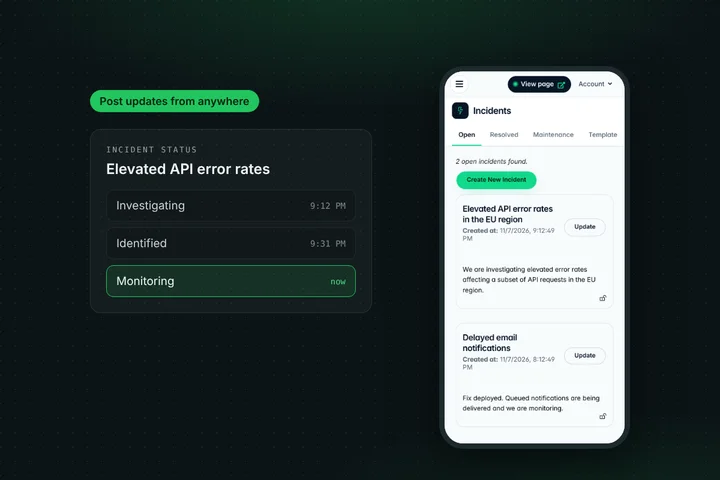
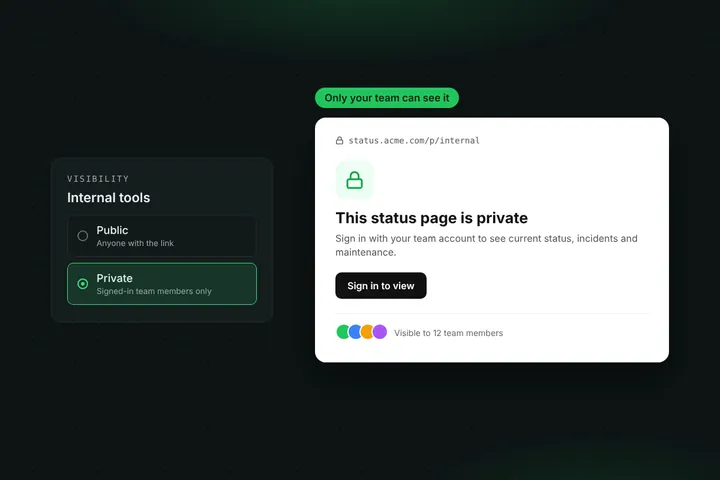
Email gets buried and Slack only reaches people who live in it. When your product is down, a text message is often the update people actually see. Statusentry subscribers can now follow your status page by SMS, and every incident update and new maintenance reaches their phone within seconds.
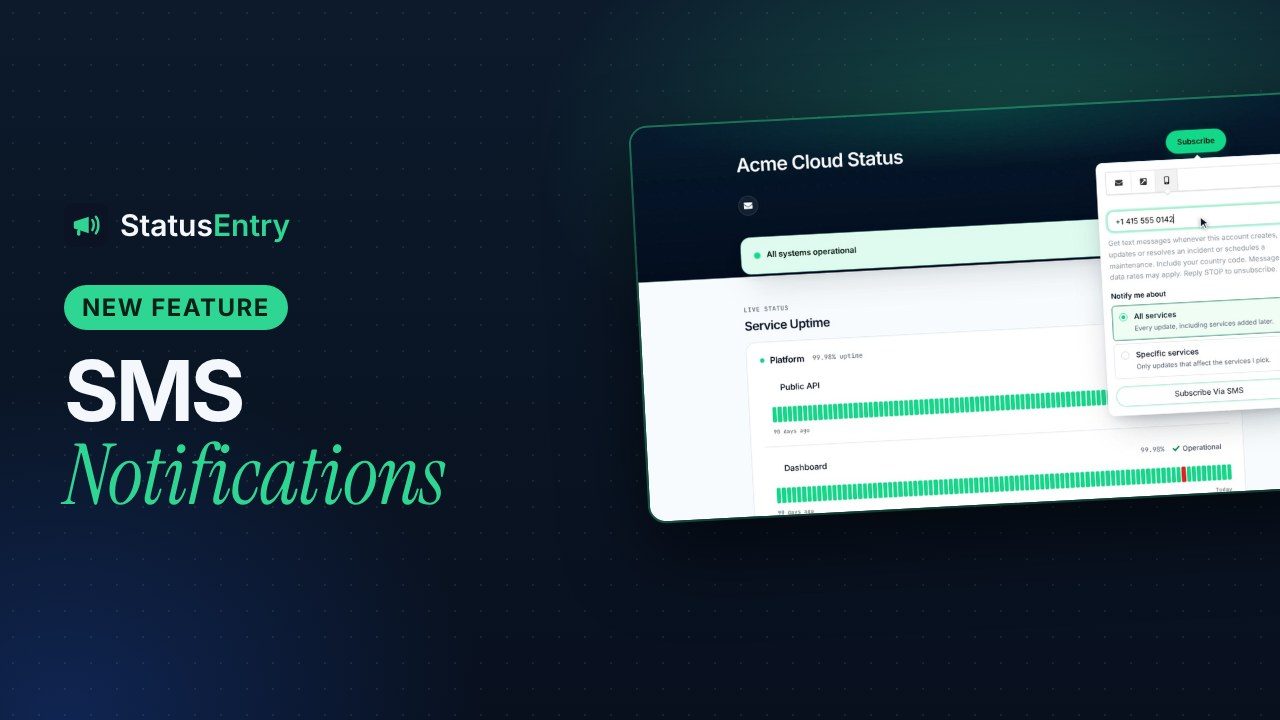
Messages are sent through your own Twilio account, so you pay Twilio's rates directly and Statusentry adds no SMS fee. SMS is included on the Business and Enterprise plans, and every new account can try it during the 30-day Enterprise trial.
Why offer SMS notifications?
- It gets seen. A text lands on the lock screen. During a major outage, that's the difference between a customer who knows you're on it and one who opens a support ticket.
- It reaches people away from their desk. Store managers, field teams and on-call engineers at partner companies often don't watch their inbox, but they do read texts.
- Some customers expect it. For payment, logistics and healthcare products, SMS status alerts are often part of what bigger customers ask for.
How it works for your subscribers
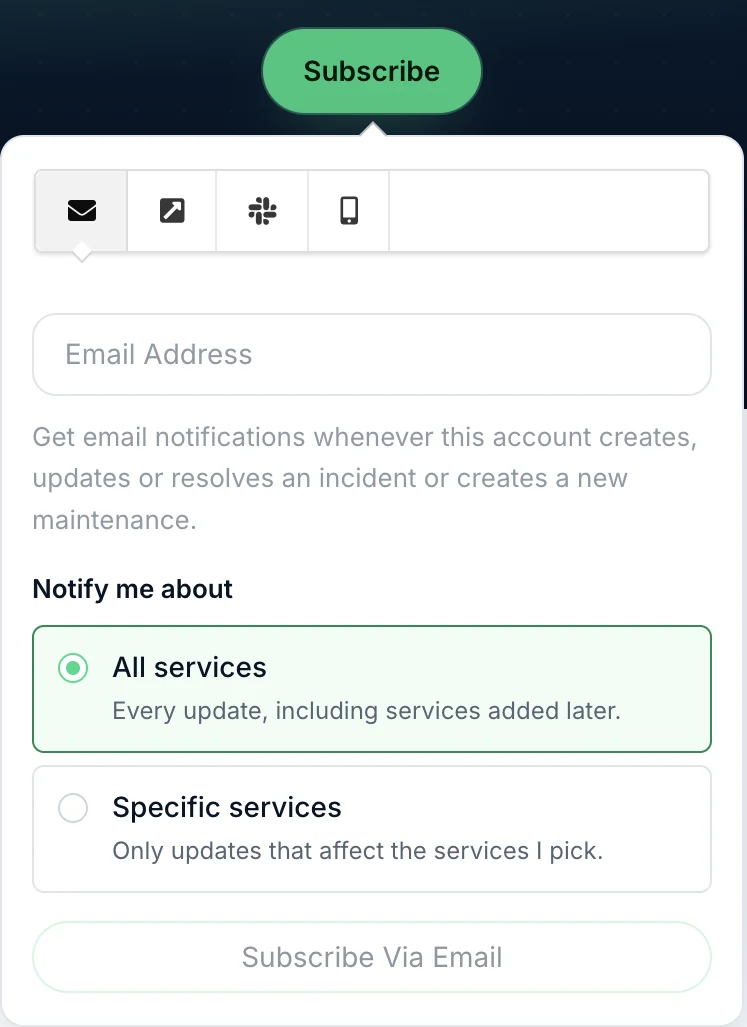
- They click Subscribe on your status page and open the SMS tab (the phone icon next to email, webhook and Slack).
- They enter their phone number and, on Enterprise, pick the services they want to hear about with service-based subscriptions.
- Twilio texts them a one-time code. Once they enter it, the number is confirmed and they start getting updates.
Each text starts with the incident or maintenance update, ends with a link to your status page and the line Reply STOP to unsubscribe, and is kept to at most two SMS segments (320 characters) so costs stay predictable. Replying STOP removes the number from every status page in your account.
Setting it up
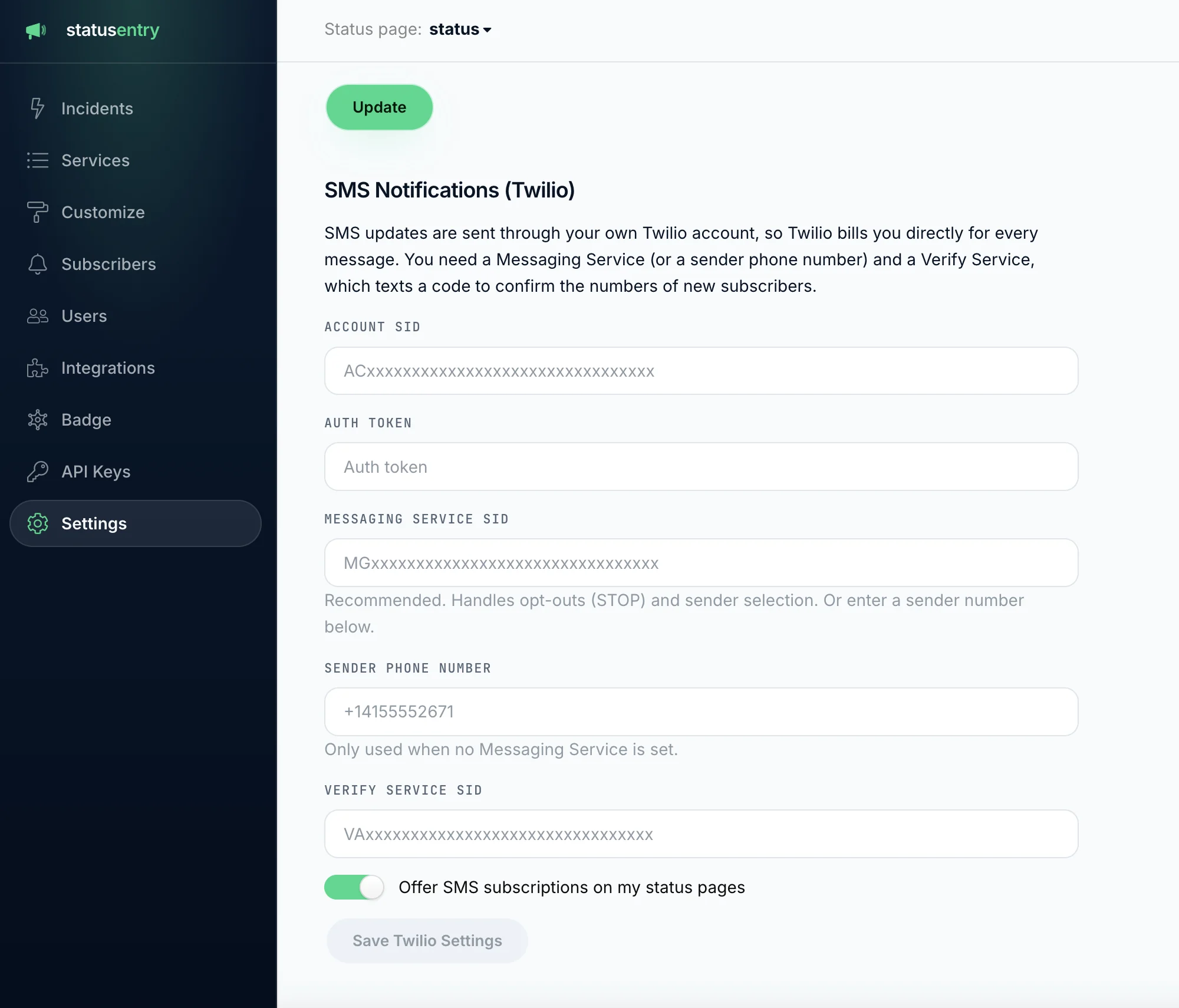
Owners and admins connect Twilio once under Settings → SMS Notifications (Twilio). The connection is shared by all status pages in your account, while SMS subscribers belong to each status page, just like email subscribers.
- In the Twilio console, create a Messaging Service (recommended: it handles STOP/HELP replies, sender numbers and compliance) or use a single sender number.
- Create a Verify Service. Statusentry uses it to text the confirmation code to new subscribers.
- In Statusentry, enter your Account SID, Auth Token, Messaging Service SID (or sender number) and Verify Service SID, switch on Offer SMS subscriptions on my status pages and save. The values are checked with Twilio before they're stored.
- Copy the opt-out webhook URL shown after saving into Twilio, as the A message comes in webhook of your Messaging Service or number. STOP replies then unsubscribe people automatically.
- Optionally, send yourself a test SMS.
For your team
- Subscribers → SMS lists every SMS subscriber, with search, enable/disable, delete and batch actions.
- Admins can add a number by hand, for example for a customer who asked by phone. Numbers added by an admin are active right away.
- On Enterprise, admins can change the services each SMS subscriber follows.
What gets sent
| Event | SMS subscribers notified? |
|---|---|
| New incident or incident update with “send notification” on | Yes, verified and enabled subscribers |
| Newly scheduled maintenance | Yes |
| Incident or maintenance for services a subscriber didn't pick (Enterprise) | No |
| Subscriber who hasn't entered their code yet | No |
Why your own Twilio account?
- You pay cost price. SMS prices vary a lot by country. With your own account you pay Twilio's rates directly instead of a marked-up bundle or credits that run out mid-incident.
- Your sender, your compliance. Use your own numbers, short codes or alphanumeric sender IDs, registered for the countries you serve (for example A2P 10DLC in the US).
- Protection against abuse. Twilio Verify rate limits confirmation codes and its Fraud Guard protects your subscribe form against SMS pumping.
- Your credentials stay protected. The auth token is encrypted at rest and can't be read back from the admin panel.
Plans and pricing
SMS notifications are included in Business ($19.99/month) with up to 5,000 SMS subscribers and Enterprise ($39.99/month) with up to 50,000. Twilio bills you separately for the messages you send.
| Tool | SMS subscriber notifications from |
|---|---|
| Atlassian Statuspage | Startup — $99/month |
| Instatus | Pro — $20/month |
| Statusentry | Business — $19.99/month (your own Twilio account) |
Get started
Already on Business or Enterprise? Open Settings in the admin panel and connect Twilio. Don't have an account yet? Create one for free and try SMS notifications during your 30-day Enterprise trial. Questions? Email support@statusentry.com.