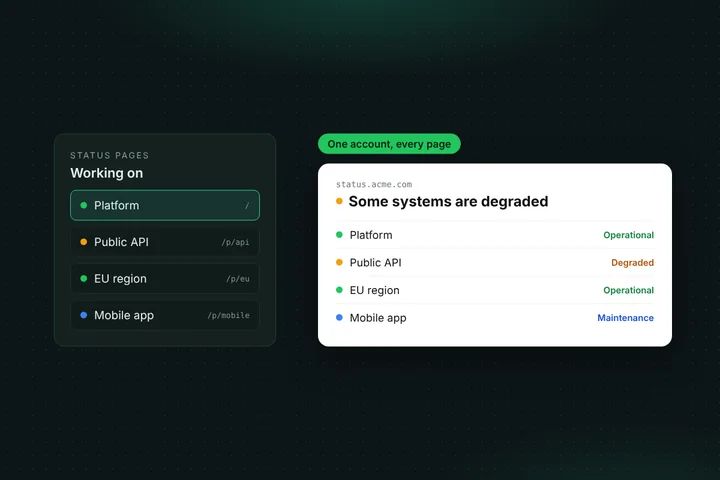
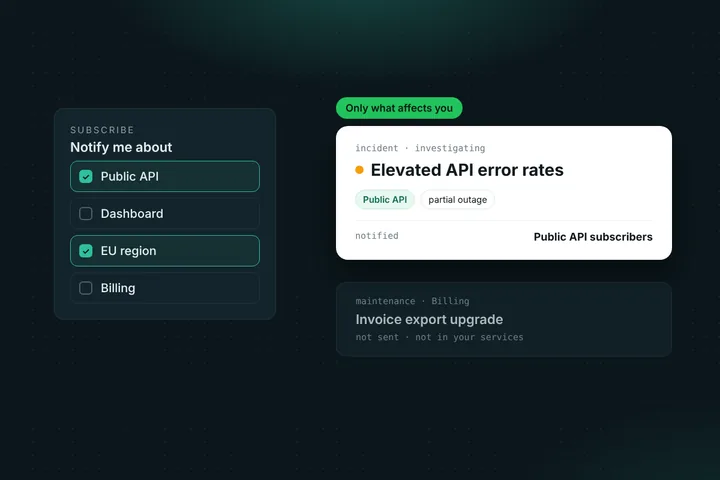
A status page is usually written for customers. But plenty of systems matter only to the people who work on them: the VPN, the CI pipeline, the staging environment, the internal admin tools. With private status pages, you can now make any Statusentry status page visible only to signed-in members of your team.
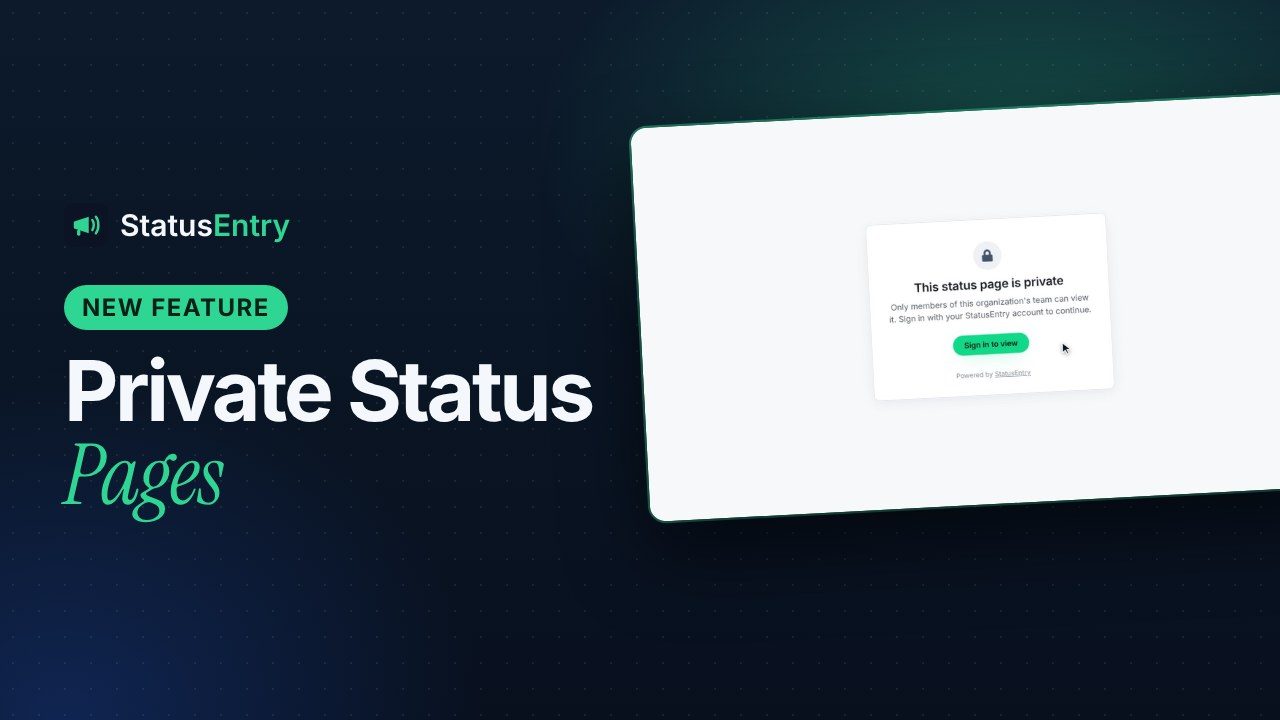
Private status pages are part of the Enterprise plan ($39.99/month). Your main page is included and can be private too. Each additional status page, public or private, is $15/month, up to 30 pages in total.
When a private status page makes sense
A public status page answers one question for your customers: is it working, and what are you doing about it? Your own team asks the same question about systems customers never see. Without a shared page, the answers end up scattered across chat threads and direct messages.
- Internal tools. VPN, single sign-on, CI/CD, the company wiki, HR and finance systems. When the build pipeline is down, engineers check one page instead of asking in five channels.
- Staging and pre-release environments. QA and product teams can see whether staging is healthy before they start a test run, and planned resets can go up as scheduled maintenance.
- Support and operations teams. A private page can list internal services, such as queues, back-office jobs or third-party providers, that you don't want to show customers but your support team needs to know about.
- Pages that aren't ready yet. Build a new product or region page privately, add its services and branding, and switch it to public on launch day.
How private pages work
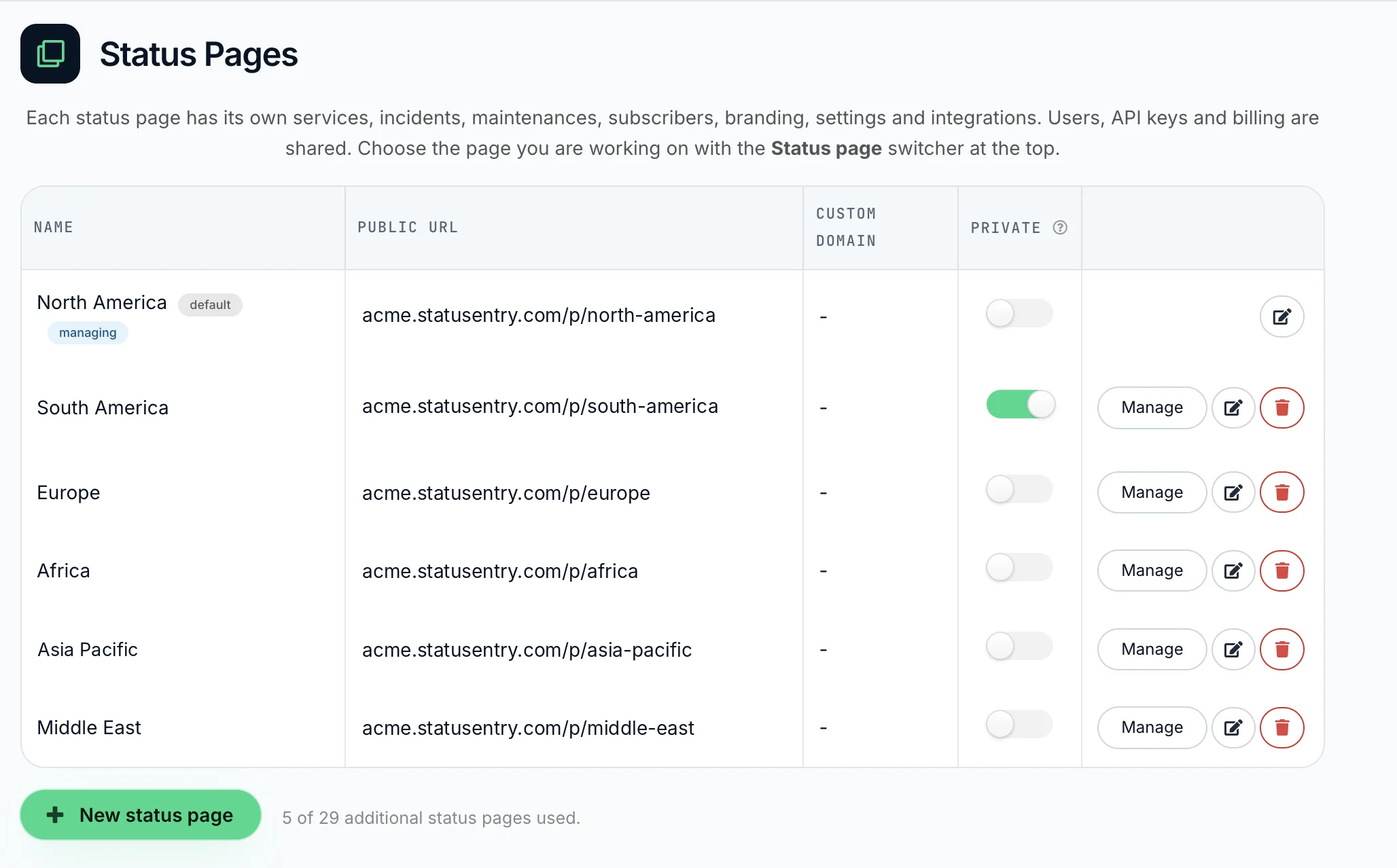
Every status page has a Private switch in Status Pages in the admin panel. Turn it on and the page is private immediately; turn it off and it's public again. It works on any page, including your main (default) page.
When someone opens a private page, Statusentry checks who they are:
- Team members see the page as usual. Anyone signed in to your Statusentry account sees the full page: current status, incidents, scheduled maintenance and uptime history.
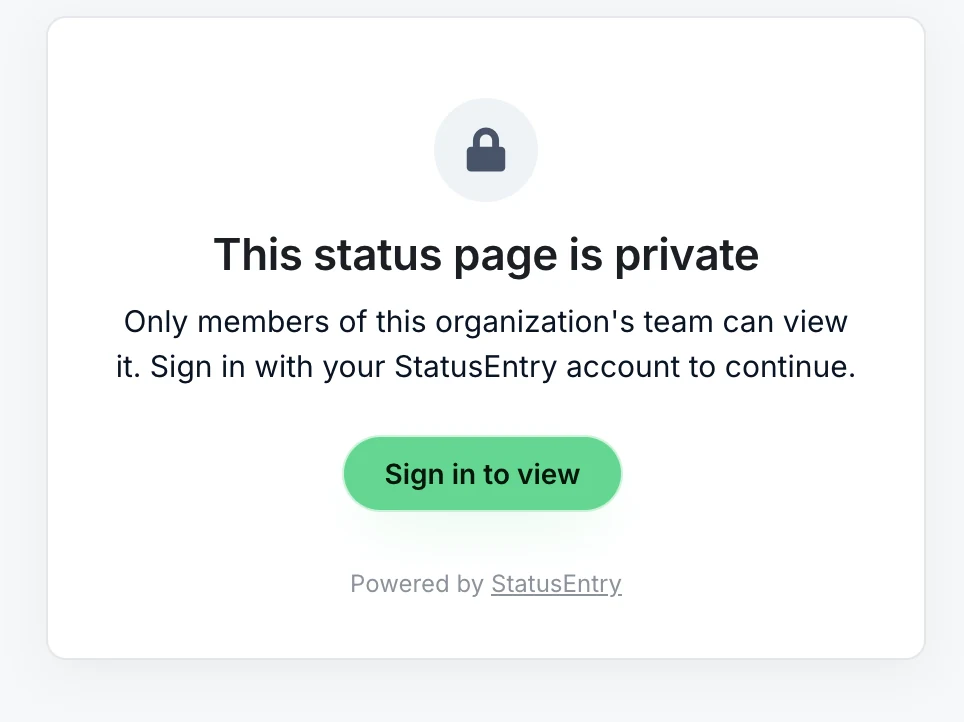
- Everyone else is asked to sign in. Visitors who aren't signed in, or who belong to another account, get a short message and a sign-in button instead of the page. Nothing about your services or incidents is shown.
- No public subscribe option. Private pages don't offer email, Slack or webhook subscriptions to visitors, so updates can't end up in someone's inbox outside your team.
- Hidden from the directory. If you use the status page directory, private pages aren't listed there.
Everything else works the same as on a public page. Private pages have their own services, incidents, maintenance and endpoint monitors, your shared incident templates work on them, and the REST API can post to them with the X-Status-Page-Id header.
Private page or internal-only updates?
Statusentry already lets you mark individual incidents, maintenance and services as internal, so they stay off your public page. The two features solve different problems:
| Internal-only updates | Private status page | |
|---|---|---|
| What is hidden | Single incidents, maintenance or services | The whole page |
| Who sees the page | Anyone; internal items are left out | Signed-in team members only |
| Best for | An occasional update customers don't need | Systems only your team uses |
If most of a page is internal, make it private. If customers need the page and only a few updates are internal, keep it public and mark those updates as internal.
Plans and pricing
Private status pages are included in Enterprise ($39.99/month). The main page is included in the plan, so if all you need is one internal status page, that's the full price. Each additional page, public or private, costs $15/month, and you can have up to 30 pages in total. New accounts start with a 30-day Enterprise trial, no credit card required, with 2 additional pages to try.
Most status page tools charge separately for private pages:
| Tool | Private status page |
|---|---|
| Atlassian Statuspage | A separate subscription, from $79/month |
| Instatus | Business plan, $300/month |
| StatusPal | Startup plan, from $99/month |
| OnlineOrNot | Add-on, $48/month per page |
| Better Stack | Password protection add-on, $50/month per page |
| Statusentry | Enterprise, $39.99/month; extra pages $15/month each |
Get started
- Open Status Pages in the admin panel. Use an existing page, or click New status page.
- Turn on the Private switch for that page.
- Use the page switcher at the top to add the page's services, then share the link with your team.
Don't have an account yet? Create one for free and try private status pages during your 30-day Enterprise trial. Questions? Email support@statusentry.com.