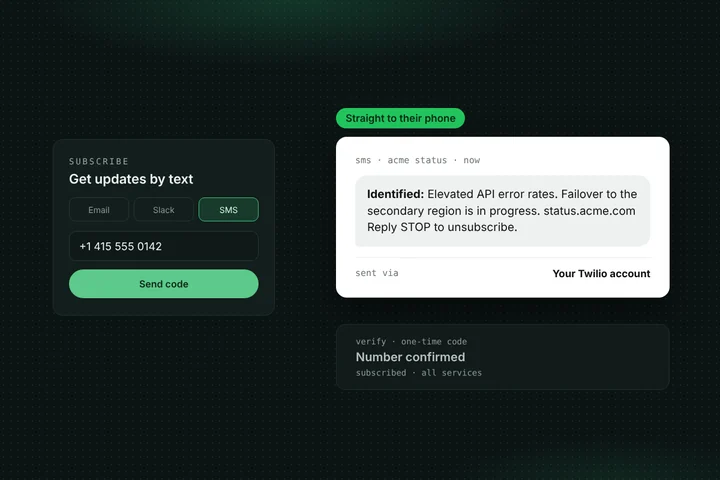
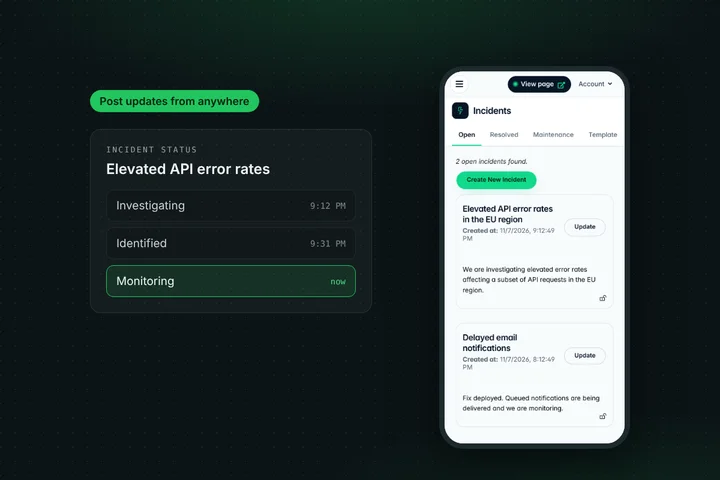
An incident isn't really over when you mark it resolved. Customers want to know what went wrong and whether it will happen again. Statusentry now lets you publish a postmortem on the incident itself: write it with formatting, save it as a draft until it's reviewed, then publish it on your public status page and notify your subscribers.
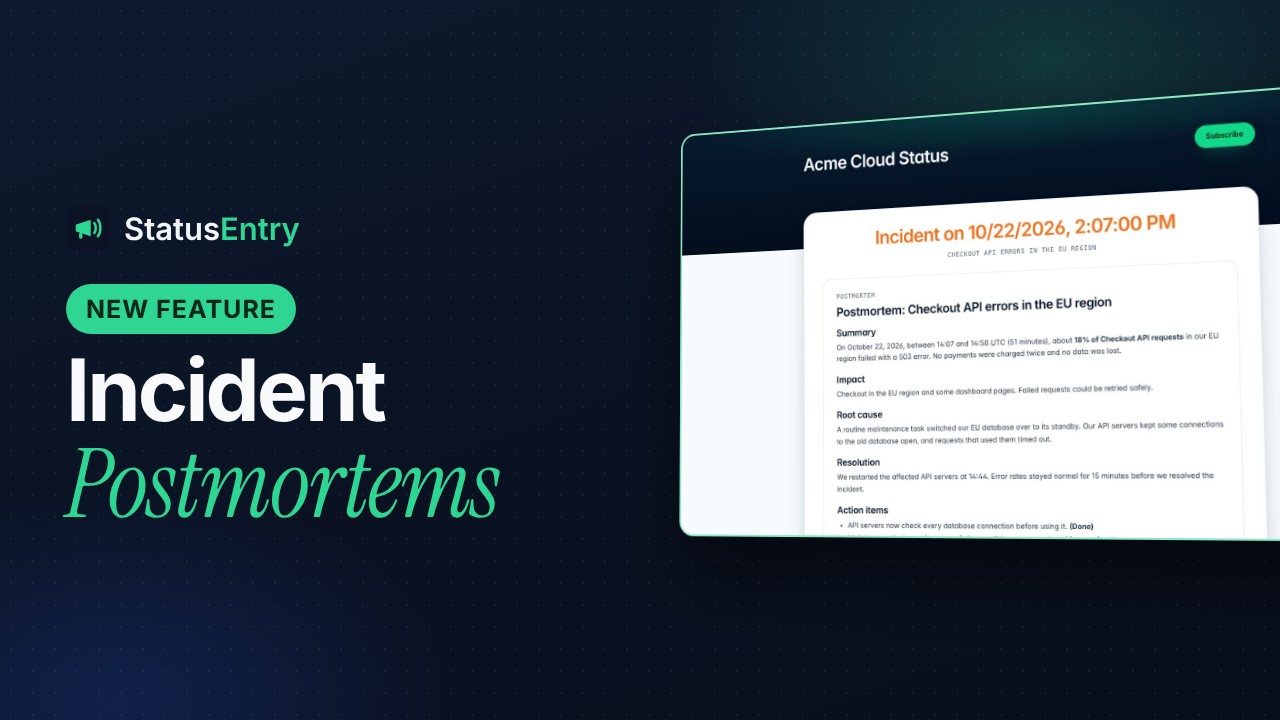
Postmortems are included on the Business ($19.99/month) and Enterprise ($39.99/month) plans. Below is a complete example of a public postmortem as it appears on a status page, and what makes it work.
Why publish a postmortem on your status page?
- It closes the loop. Your updates said what was happening. The postmortem says why, and what you've changed. That's the part customers and their managers ask about afterwards.
- It cuts follow-up tickets. Instead of answering “what happened on Tuesday?” in dozens of emails, you send one link.
- It builds trust with prospects. People evaluating your product read your incident history. A clear, honest report after an outage shows how you handle problems.
- It lives in one place. The report sits on the incident page, with the timeline and affected services, instead of in a blog post or a PDF nobody can find later.
Example: a public postmortem on a status page
Here's a full example for a fictional company, Acme. Their checkout API failed for some customers in one region for 51 minutes. They posted updates during the incident and published this postmortem four days later.
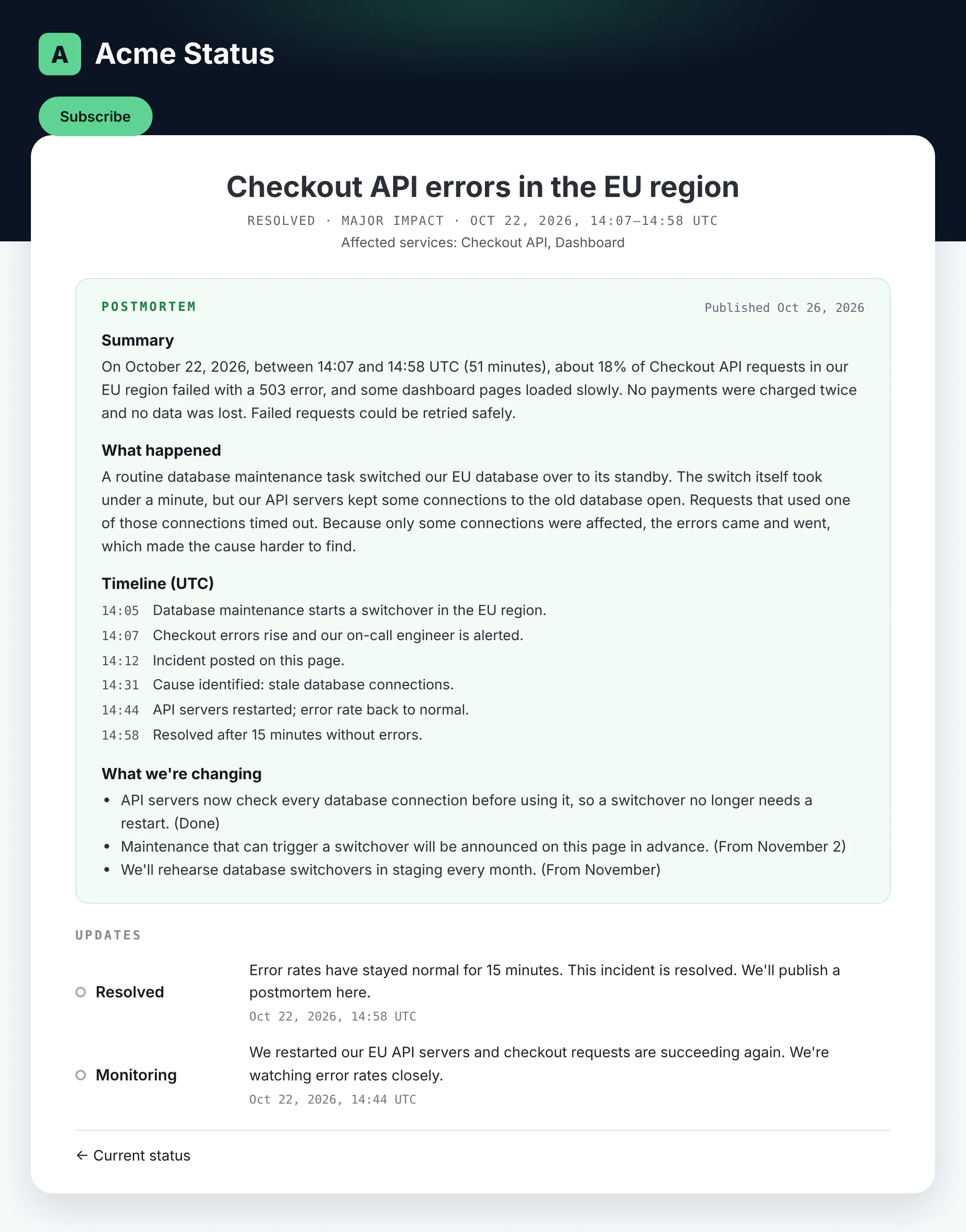
This is the postmortem text, section by section, so you can reuse its structure:
Summary
On October 22, 2026, between 14:07 and 14:58 UTC (51 minutes), about 18% of Checkout API requests in our EU region failed with a 503 error, and some dashboard pages loaded slowly.
No payments were charged twice and no data was lost. Failed requests could be retried safely.
What happened
A routine database maintenance task switched our EU database over to its standby. The switch itself took under a minute, but our API servers kept some connections to the old database open.
Requests that used one of those connections timed out. Because only some connections were affected, the errors came and went, which made the cause harder to find.
Timeline (UTC)
14:05 — Database maintenance starts a switchover in the EU region.
14:07 — Checkout errors rise and our on-call engineer is alerted.
14:12 — Incident posted on this page.
14:31 — Cause identified: stale database connections.
14:44 — API servers restarted; error rate back to normal.
14:58 — Resolved after 15 minutes without errors.
What we're changing
API servers now check every database connection before using it, so a switchover no longer needs a restart. (Done)
Maintenance that can trigger a switchover will be announced on this page in advance. (From November 2)
We'll rehearse database switchovers in staging every month. (From November)
Closing
We're sorry for the disruption. If you were affected and have questions, contact support@acme.example.
What makes this postmortem work
- It leads with impact, in numbers. Exact times, the share of requests that failed, and which region. Readers can tell at once whether they were affected.
- It says what was not affected. “No payments were charged twice and no data was lost” answers the scariest question before anyone has to ask it.
- It explains the cause in plain language. No internal service names or jargon. A non-engineer can follow the chain of events.
- It's blameless. It describes what the system did, not who made a mistake.
- The timeline matches the updates. The 14:12 and 14:44 entries line up with what subscribers saw during the incident, which makes the report credible.
- Action items are specific and dated. Each change says what will be different and when. “We'll improve our monitoring” tells customers nothing.
- It's short. The internal review can be ten pages. The public version is the part customers need, in a few hundred words.
For the updates you post while the incident is still open, use our incident communication templates.
How postmortems work in Statusentry
- Resolve the incident as usual. Your updates stay on the incident page.
- Open the incident in the admin panel and write the postmortem. Markdown is supported, so you can use headings, lists, bold text and links.
- Save it as a draft. Drafts aren't visible on your status page, so you can share the wording with your team, legal or support before it goes out.
- Publish it. The postmortem appears on the incident's public page, and your subscribers are notified, just like an incident update.
Postmortems also work on multiple status pages and private status pages: each postmortem belongs to its incident, so it shows up on the page where that incident was posted.
When should you write a public postmortem?
- Any outage or major degradation customers noticed, especially one that lasted more than a few minutes.
- Incidents involving data: delays, loss, or anything customers might worry about.
- Incidents that broke an SLA, or that you know customers have asked about.
- Repeat incidents. If the same thing happened twice, customers want to know why it won't happen a third time.
Aim to publish within a few working days, while details are fresh and customers still care. For small, short incidents, a clear final update is usually enough.
Plans and pricing
Postmortems are included in Business ($19.99/month) and Enterprise ($39.99/month). New accounts get a 30-day Enterprise trial, so you can try them before you pick a plan.
| Tool | Publish postmortems on the status page | Notify subscribers |
|---|---|---|
| Atlassian Statuspage | Yes | Yes, optional email |
| Instatus | Yes | Yes, optional |
| Statusentry | Yes, Business ($19.99/month) and Enterprise ($39.99/month) | Yes |
Get started
Already on Business or Enterprise? Open any resolved incident in the admin panel and add a postmortem. Don't have an account yet? Create one for free and try postmortems during your 30-day Enterprise trial. Questions? Email support@statusentry.com.