Incidents don't wait until you're at your desk. They start while you're commuting, at dinner or on a weekend hike, and the first thing your customers want is an update. The Statusentry admin panel now works properly on your phone, so you can post, update and resolve incidents from anywhere, without opening a laptop.
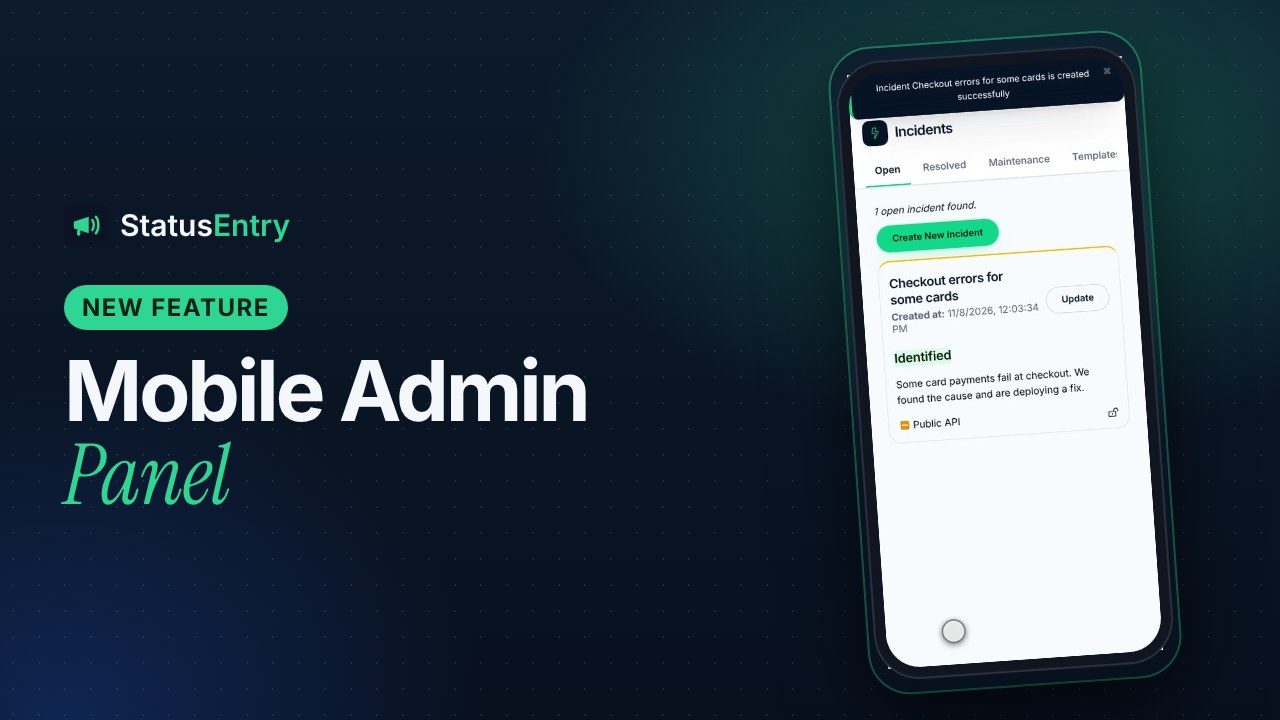
There's nothing to install. It's the same admin panel you already use, at the same address. On a phone it switches to a layout built for a small touch screen. On a laptop or desktop nothing changes.
Why the admin panel needed to work on a phone
A status page is only useful if it's updated quickly. The longest delay is often not working out what broke. It's getting to a computer to say so. Until now, the admin panel was built for wide screens: on a phone the sidebar took up most of the screen, lists ran off the edge and forms needed pinching and zooming.
That's a problem at exactly the wrong moment. Your on-call engineer gets paged, confirms the issue from their phone, and then has to find a laptop before customers hear anything. Meanwhile support tickets pile up asking whether something is wrong.
What changed on mobile
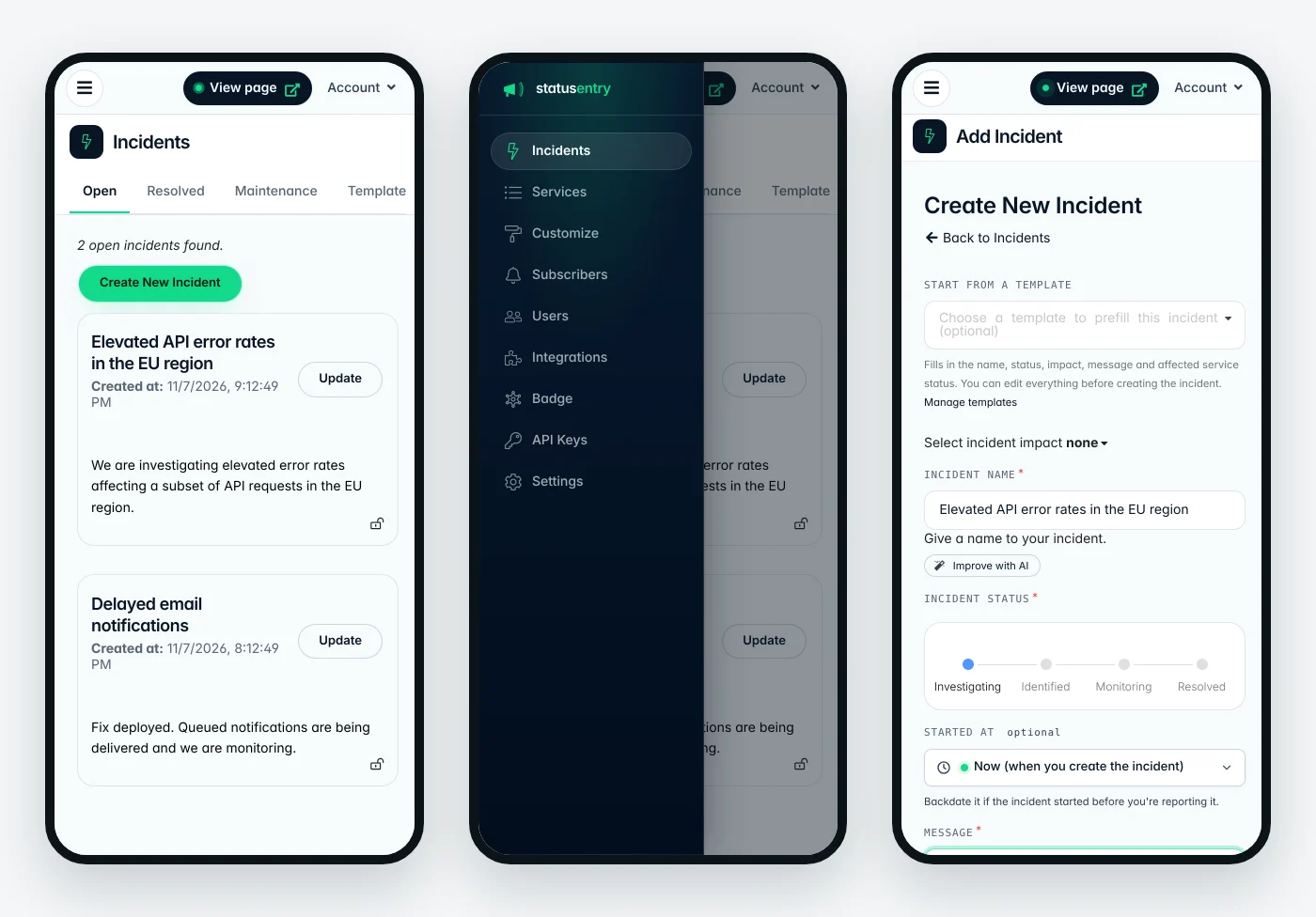
- A menu button instead of a fixed sidebar. The navigation slides in from the left when you tap the menu button and closes when you pick a page or tap outside it. The page itself gets the full width of the screen.
- Tabs you can swipe. Rows of tabs, such as Open, Resolved, Maintenance and Templates on the Incidents page, scroll sideways instead of being cut off.
- Forms in a single column. Creating or updating an incident or a scheduled maintenance fits the screen. The status steps (Investigating, Identified, Monitoring, Resolved) are easy to read and tap, and the date picker and message box use the full width.
- Wide lists scroll sideways. Subscribers, users and API keys keep all their columns. Instead of squeezing them, the list scrolls horizontally, so nothing is hidden.
- Settings, customization and integrations stack. Two-column pages become one column, notes appear under the option they belong to, and dialogs fit the screen.
- A compact top bar. The status page switcher, the View page button and your account menu stay at the top of every page.
A typical incident, handled from your phone
Here's what that looks like the next time something breaks while you're away from your desk:
- Open the admin panel in your phone's browser. Adding it to your home screen makes it one tap away next time.
- Tap Create New Incident. Start from one of your incident templates to fill in the name, status, impact and message, then adjust the details.
- Choose the affected services and turn on notifications, so subscribers hear about it by email, Slack or webhook.
- Post updates as you learn more. Tap Update on the incident, move it to Identified or Monitoring, and add a short message. The AI writing assistant can tidy up a message typed quickly on a phone keyboard.
- Resolve it once the fix is confirmed. Your status page and subscribers are updated straight away.
Each of these steps takes seconds. That's the difference between customers hearing from you right away and finding out from a support reply an hour later.
Tips for incident updates on the go
- Prepare templates in advance. Typing a careful message on a phone keyboard is slow. Templates for your most common incidents make the first update a few taps. Our incident communication templates are a good starting point.
- Keep the first update short. "We're investigating elevated error rates in the EU region. Next update in 30 minutes." is enough. You can add details when you're back at a keyboard.
- Give a time for the next update and stick to it, even if the update is "still investigating".
- Make sure everyone on call has an account. Invite them under Users, so the person who gets paged can post the update without waiting for someone else.
Available on every plan
The mobile layout is part of the admin panel, so it's available on every Statusentry plan, including the free plan. There's nothing to turn on: open the admin panel on your phone and sign in. Your public status page already works on phones too, so customers can follow along wherever they are.
Don't have a status page yet? Create one for free and post your first incident from your phone.